Buying a New Laptop! – Kids Coder Club
This is all in my humble opinion. Of course, if you want to do any serious work in a specific area, browse the recommendations.
- Brand – To me, the brand doesn’t matter!
- Central Processing Unit – CPU Intel i5 or AMD RYZEN 5 upwards
- RAM 8GB upwards
- Storage SSD if you are looking for better speed, but you’ll pay for it. I personally don’t worry about the capacity, as I use cloud storage. A child does not need a large capacity, and once they reach their teenage years, they should also be storing essential data in the cloud.
- Size – Laptop sizes range from 11.6 to 17.3 inches. Most brands and OEMs, such as HP, Dell, ASUS, and Acer, tend to offer three display sizes: 13.3-inch, 15.6-inch, and 17.3-inch. However, some vendors do sell laptops that fall outside these sizes, including 11.6-inch, 12.5-inch, and 14-inch models. Obviously, if portability is your priority, you’ll want to go for a smaller-sized Windows laptop. They tend to be thinner and lighter than their larger counterparts. Look for laptops with a screen size of either 12.5 or 13.3 inches and a weight between 1kg and 1.5 kg.
- Battery life – Don’t leave any machine plugged in when it is fully charged!
- USB 3.0 is about 10 times faster than USB 2.0.
- Screen quality – Not that important to a child.
- Keyboard quality – Not that important to a child.
Refurbished laptops can be great value: 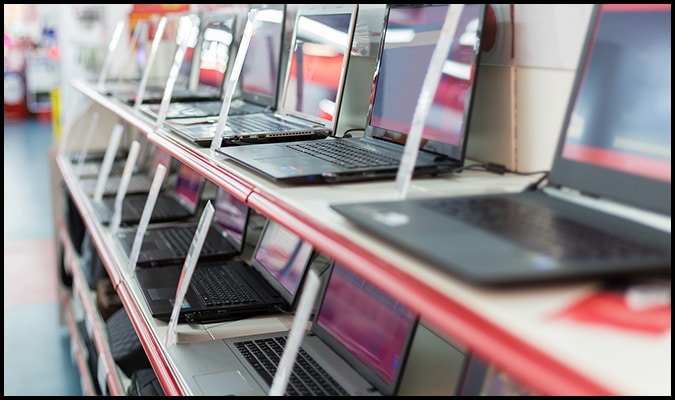
Follow us on Facebook – https://www.facebook.com/KidsCoderClub/